Text the job. Get the next step.
Talking to a work robot can start with one ordinary message.
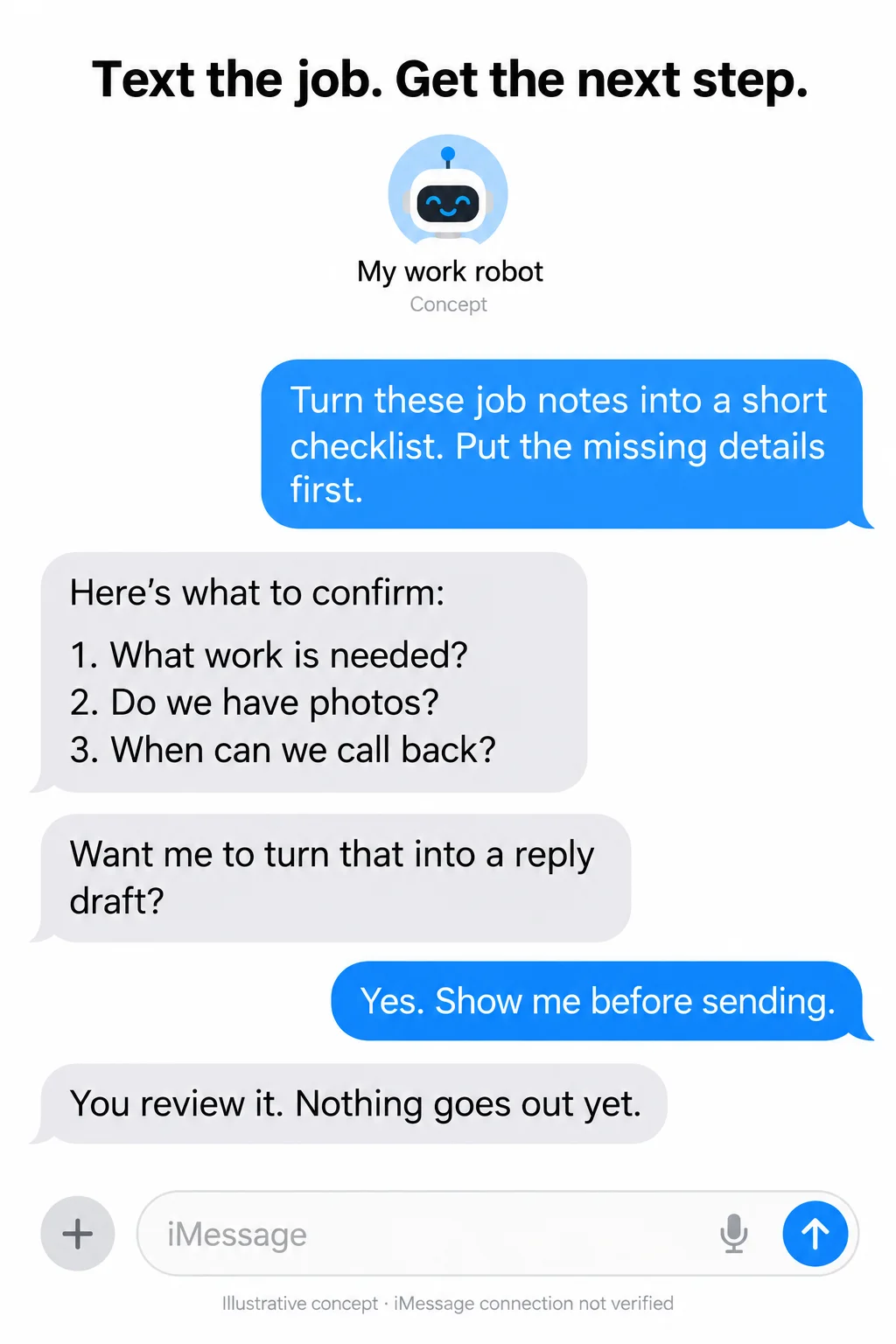
You already know how to send a message. Start there.
“Turn these job notes into a short checklist. Put the missing details first.” No giant prompt. No new vocabulary. Just the next thing you need.
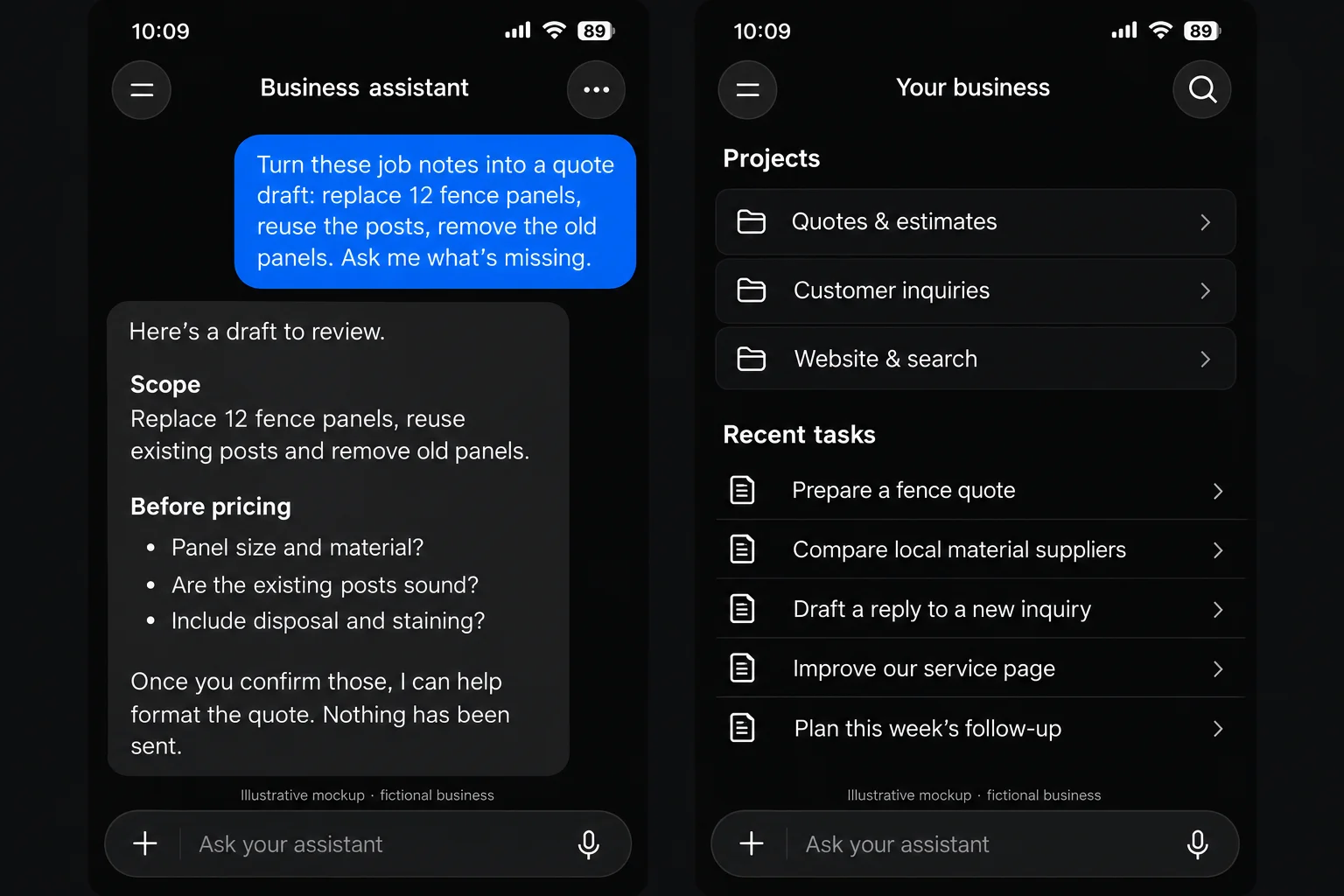
“Email the city.”
A normal request can start the work: “Draft an email to the city about this permit. Tell me what information is missing before we send it.”
“What does this letter want?”
Snap a photo of the letter that came in the mail. Ask the agent to summarize what it asks for, pull out the dates and prepare a reply. You review the details and the draft before anything goes out.
Make the first job small.
A checklist, a reply draft or a short brief is a sensible starting point. Check the result, ask for a change and keep sending behind your approval.
We’ll choose a messaging route that works on your devices—Telegram, WhatsApp or another supported connection—and test it with you. The channel matters less than getting something useful back.
What we check before setting this up
Your task, devices, accounts, permissions, output checks and recovery. Platform features and costs vary. These concepts do not establish measured savings or tested integrations.