Say the notes. Review the quote.
Job notes become a scope draft you can check, while the details are still fresh.
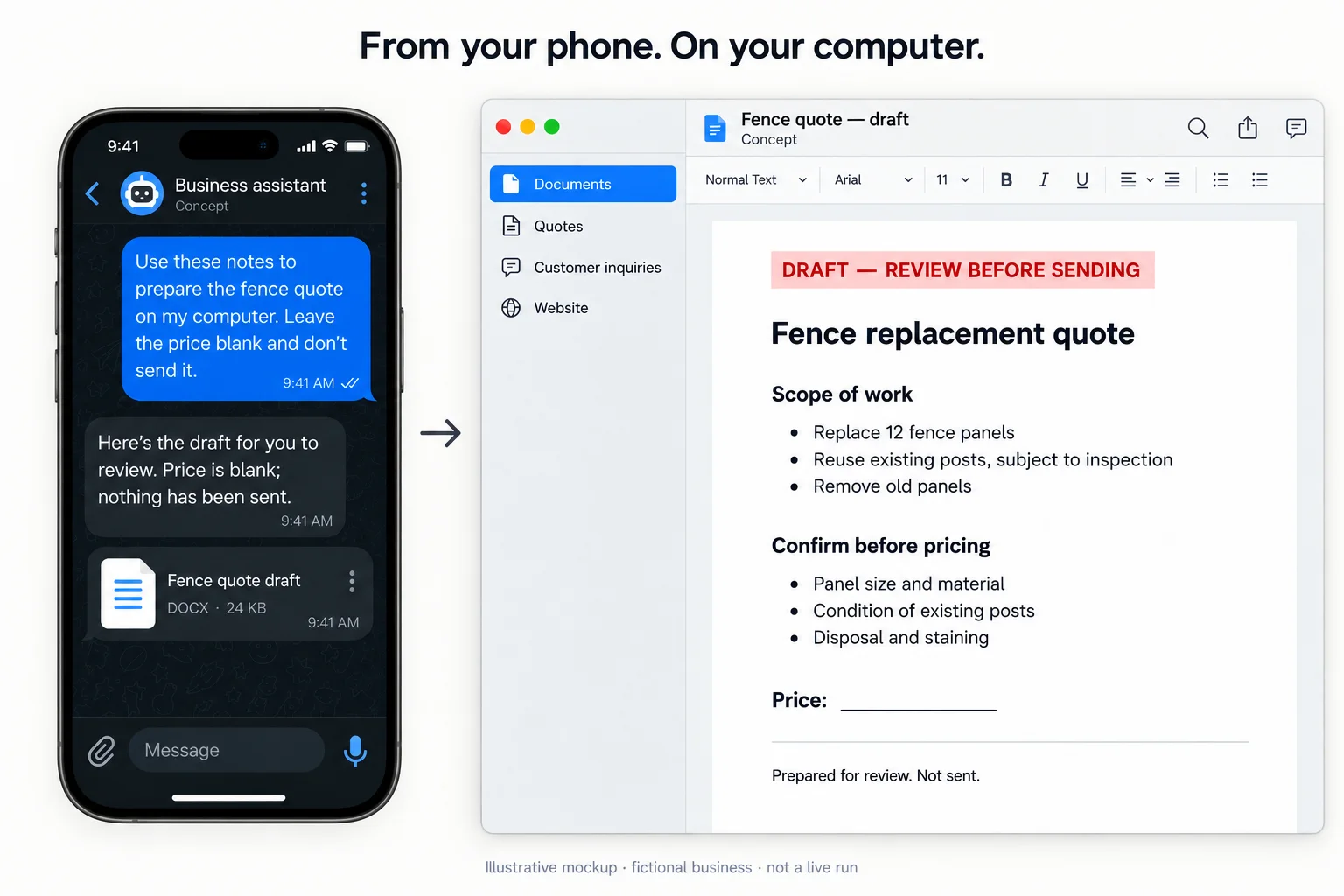
You’ve just walked the job. The details are fresh. The blank quote document can wait until you’re back at the desk—or you can start the draft from your phone.
“Twelve fence panels. Reuse the posts if they’re sound. Remove the old panels. Leave the price blank.” That’s a useful instruction. “Run my business with AI” is a much harder place to start.
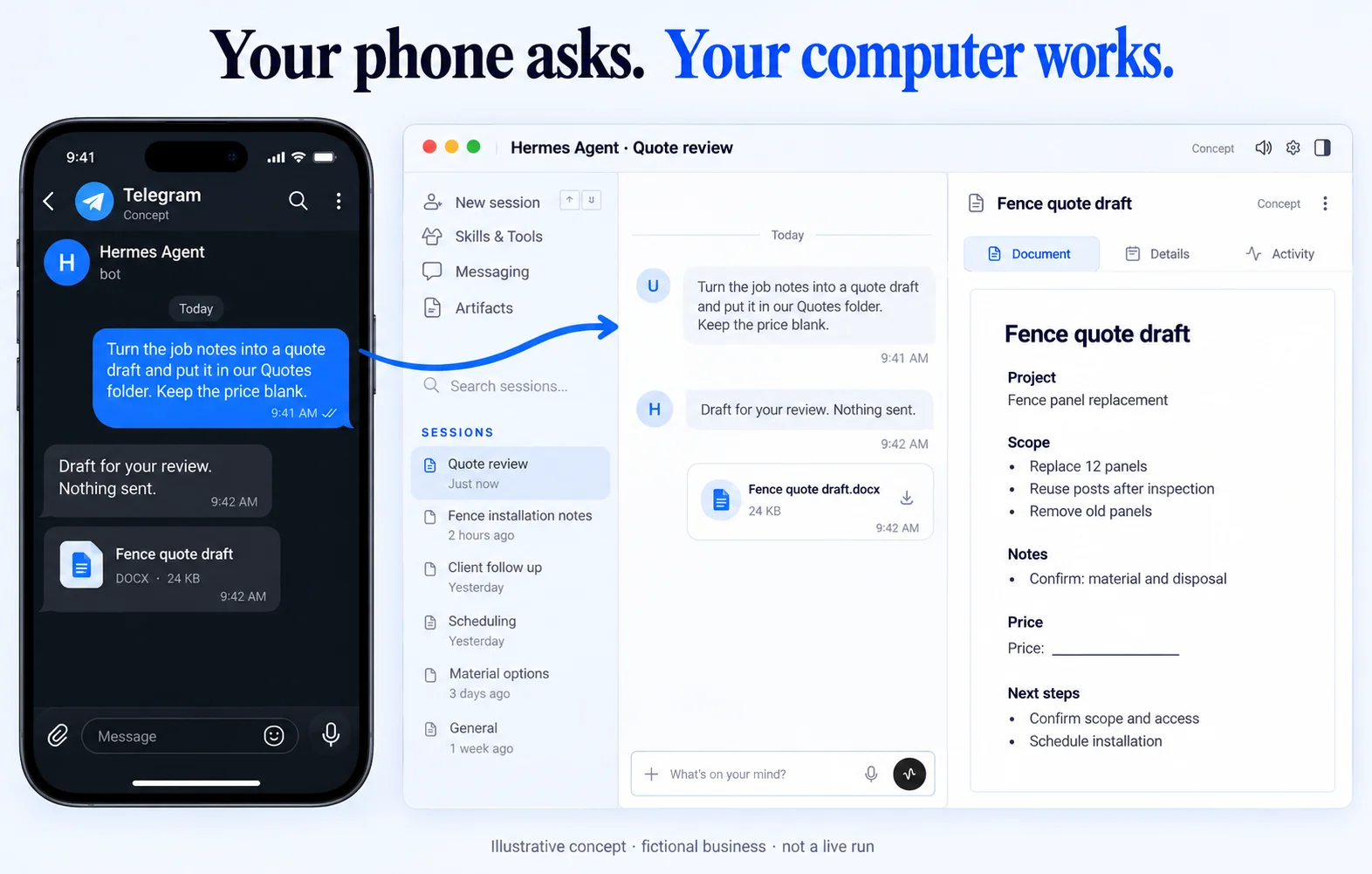
Less retyping. A better starting point.
The agent can be configured to organize the scope and flag missing details. You still check measurements, materials, disposal and price. A neat draft isn’t a verified estimate.
We’d test this with safe sample notes first, then the actual tools and review steps you’ll use. The aim is to stop rebuilding the same document, not to let a robot commit you to work.
What we check before setting this up
Your task, devices, accounts, permissions, output checks and recovery. Platform features and costs vary. These concepts do not establish measured savings or tested integrations.