A daily jobsite brief for general contractors
Before you book tomorrow’s crews, pull three things from today’s trade updates: what’s holding up the work, who can clear it and what still needs confirmation.
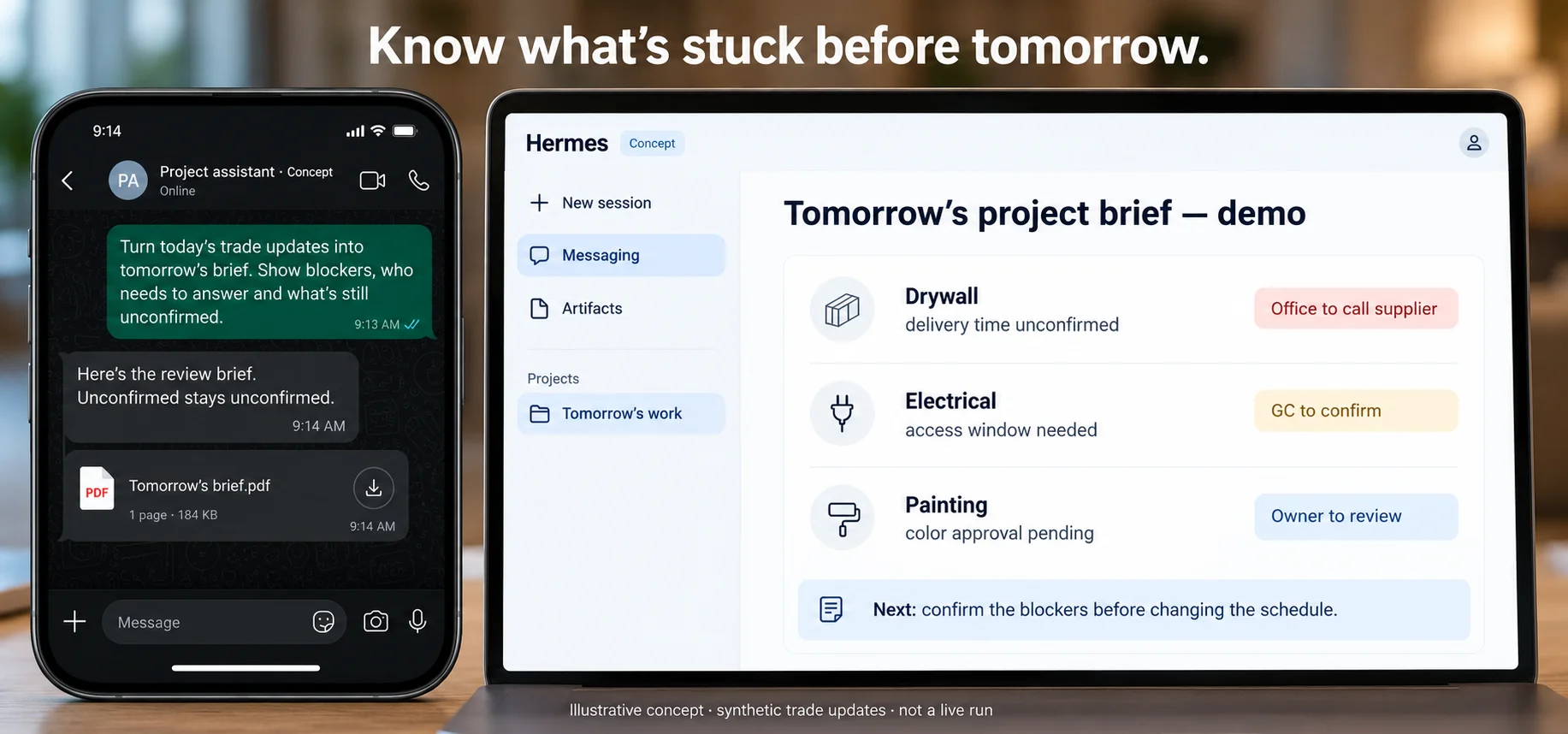
Three trade updates before the crew call
Suppose these messages come in Thursday afternoon. The superintendent has to decide which crews to call for Friday.
- Drywall supplier, 2:10 p.m. “Board should be there Friday morning. Still waiting on dispatch.”
- Electrician, 2:35 p.m. “I can finish the panel Friday if someone can unlock the unit at eight.”
- Painter, 3:05 p.m. “We have the base coat. Which blue did the owner pick?”
Friday handoff for the superintendent
- Arrange access first. The electrician gave an 8 a.m. time. Confirm who has the key and ask them to acknowledge the handoff.
- Call dispatch before booking the drywall crew. The supplier gave an estimate. Get a delivery window and write the confirmation beside the original message.
- Get the color choice in writing. Ask the owner for the paint code and pass it to the painter after approval.
Give your AI the three messages and ask for tomorrow’s crew calls in priority order. If it says the board will arrive Friday or names someone who has the key, send it back to the notes. Use the reusable morning briefing prompt for the next handoff.
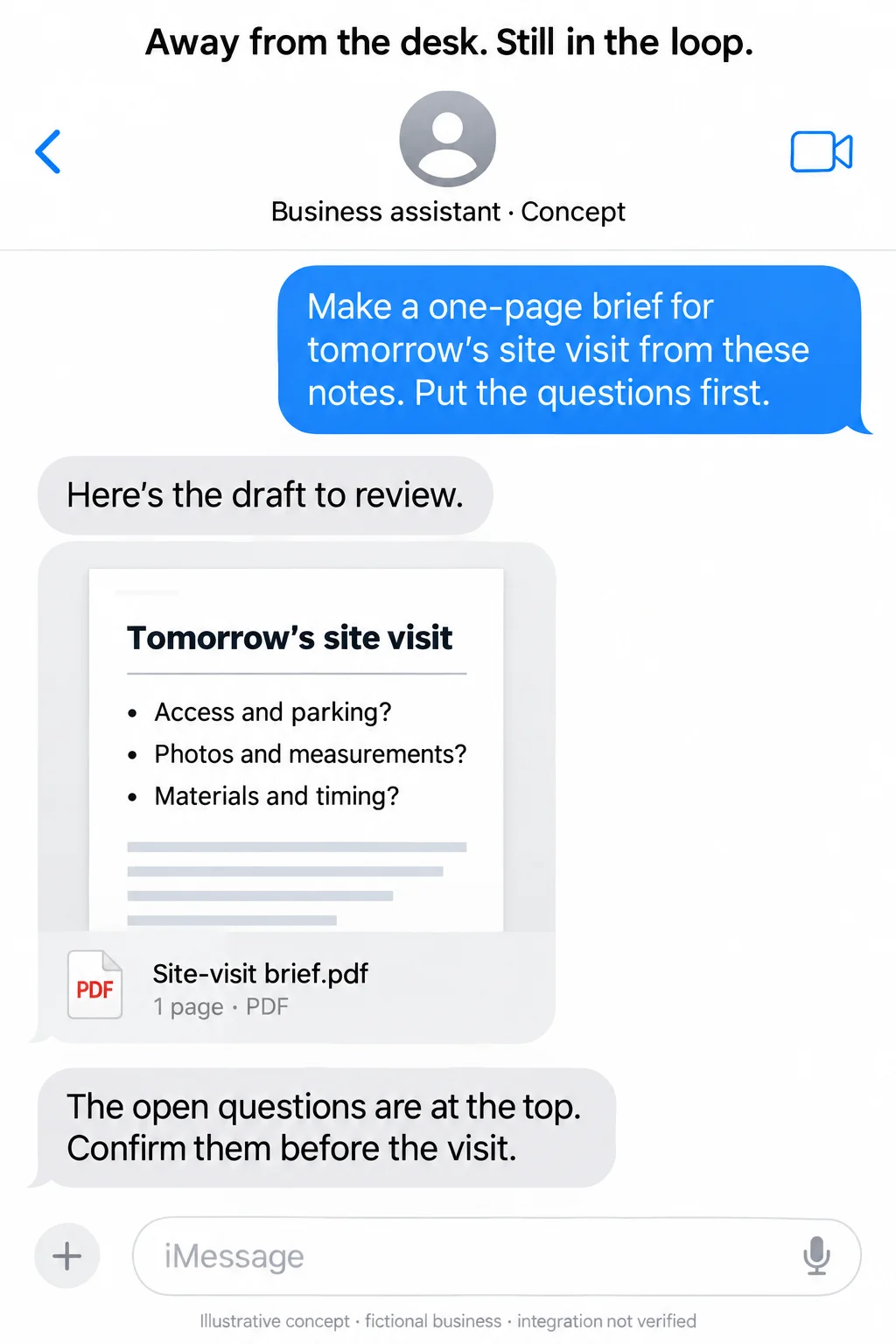
Unconfirmed stays unconfirmed.
The brief should not quietly turn “might arrive” into “will arrive.” Keep the original update available and confirm the blocker before changing the schedule.
The GC still makes the coordination decisions. The useful change is a clearer conversation about tomorrow—not a robot rearranging trades without you. iMessage availability would need checking for the actual setup.

What we check before setting this up
Your task, devices, accounts, permissions, output checks and recovery. Platform features and costs vary. These concepts do not establish measured savings or tested integrations.