Your personal agent
needs a job.
A personal agent should take work off your plate. Meta Muse has my attention because that’s the job it’s aiming for.
I like talking to computers. I like it even more when the conversation ends with some work getting done.
Meta describes Muse as a personal agent that can browse, create documents, use connected services and keep working after you close the app. Not just “here are some ideas.” More “I went and checked.” That is the direction I want this stuff to go.
What makes a personal agent worth having? Fewer errands for you. A finished spreadsheet instead of a lecture about spreadsheets. Muse looks like a serious contender. I want to see how it handles the ordinary, slightly messy jobs that eat a business owner’s afternoon.
Personal assistant. Business worker bee.
The interesting bit is how ordinary the jobs can be. Compare three suppliers so I can choose one. Turn these notes into a customer reply so I’m not staring at a blank email. Find the right city department before I spend my afternoon listening to hold music.
“Here are the three quotes and my notes. Compare the scope, flag what’s missing and draft the questions I should ask. Don’t send anything yet.”
That’s a useful first assignment. The payoff is a clearer decision and less digging through attachments. Give the agent the files, a clear finish line and somewhere to put the result. Then check the work. Delegation still involves reading.
Starting a business has plenty of these jobs. An agent can help research a name, organize your services, prepare website copy and turn the pile into a checklist. You still handle the decisions and approvals for registering the company, opening accounts and spending money. “Set up my business” is a project. The useful part is having help move it along.
Give it a desk.
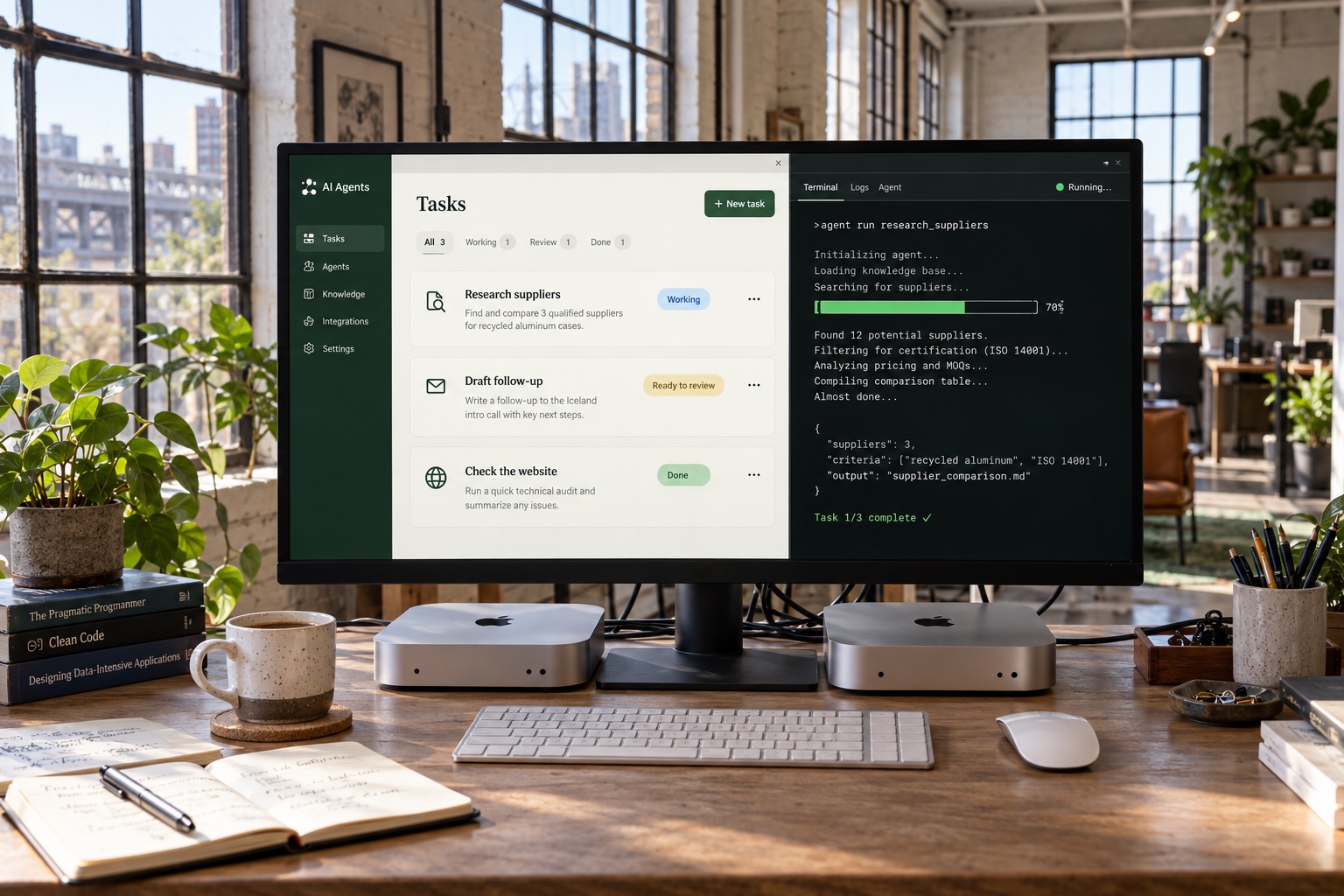
A dedicated Mac can give computer-using agents a home: the apps, files and browser sessions they need, ready when there’s work. You keep using your everyday laptop. The agent gets its own desk, minus the coffee rings.
Meta has a developer example for controlling a Mac with Muse Spark through its API. The model sees screenshots; a local tool carries out mouse and keyboard actions. That is a technical setup, not a promise that every Muse app feature automatically controls your Mac. The example can act without confirmation, so I’d start on a separate, limited account with a small job and a human watching.
A Mac mini is not two Mac Studios.
The new Muse Spark Open release makes this even more interesting. Meta’s local-model demonstration uses two M5 Ultra Mac Studios with up to 512 GB of unified memory each. Impressive. Also not the same thing as plugging a Mac mini into the wall and running that entire model locally.
A Mac mini can be the workstation while a model runs in the cloud. Running the model itself on your hardware is a different choice, with different hardware and licensing requirements. We help sort out which setup fits the work before shopping for the shiny boxes.
Muse, OpenClaw, Codex: I care less about picking a mascot than getting the right tools connected to your work. The appeal is simple: text the task, get something useful back, get on with your day.
You’re a computer. You figure it out. We’ll help give it the desk, the tools and the assignment.
Put an agent to work on your business
Product details checked October 17, 2026 against Meta’s Muse overview and the developer sources above. Examples here are proposed starting tasks, not a report of an FRM Muse deployment.